
nymea:app#
The typical use case for nymea:app is to be installed on the user’s mobile device, with optional additional installations on laptops, desktop PCs and wall-mounted or centrally placed touch screens.
Smartphones and tablets#
nymea:app can be found in the Google Play Store for Android and in the Apple App Store for iOS.
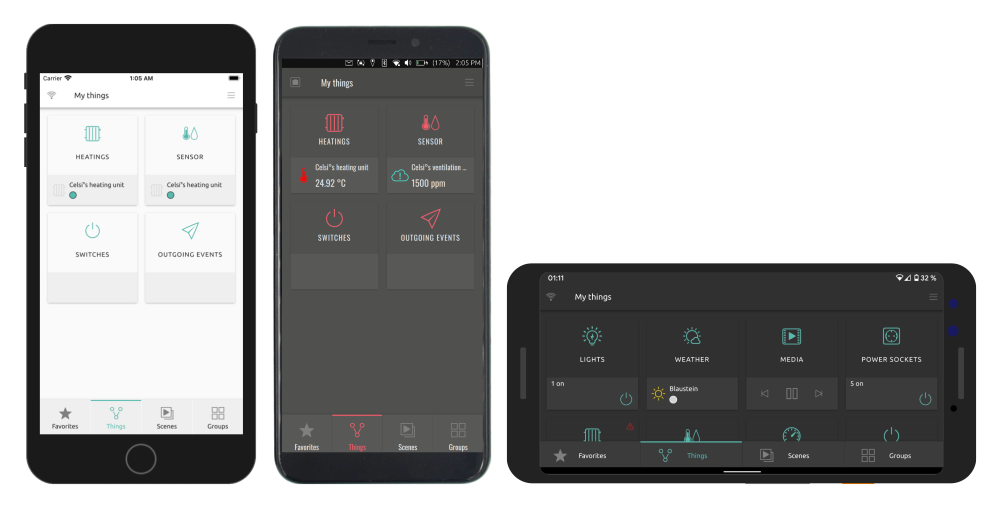


Supported mobile platforms:
iOS
Android SDK 23 or greater
Laptops and Desktops#
For Windows, nymea provides an offline installer from the downloads section. For Linux systems, use the nymea apt repository as described in the Debian GNU/Linux and Ubuntu section.
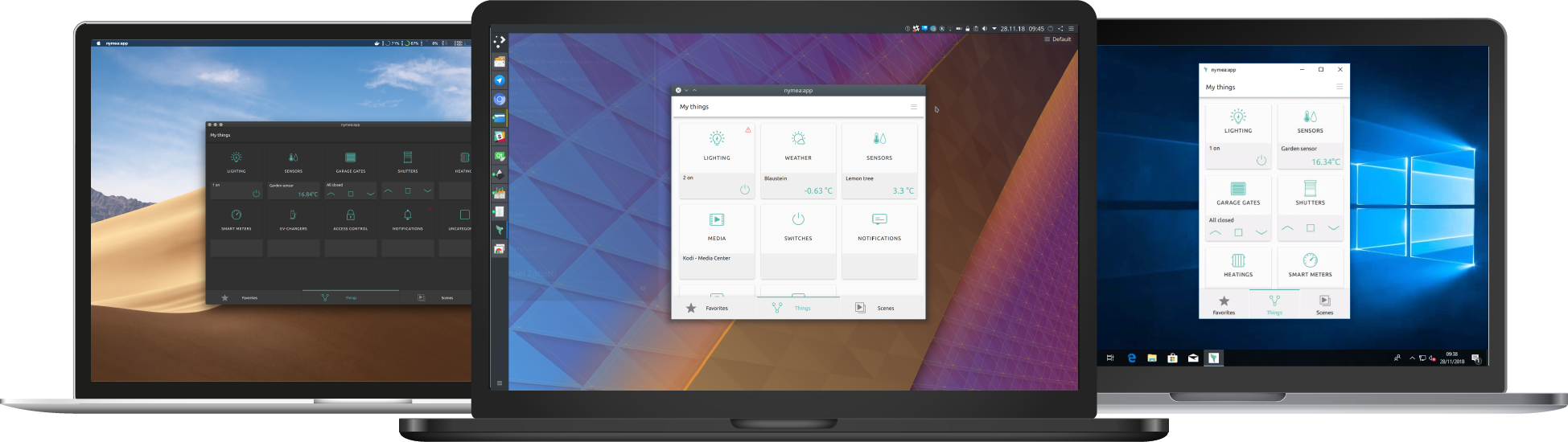


Note
macOS App Store submission is planned for a future release.
Supported desktop platforms:
Windows 10 or greater
macOS 12 or greater
Debian 13 (“trixie”)
Ubuntu 26.04 (“resolute”)
Note
Please note that installing the app from the downloads section requires manually downloading newer versions for updates. At this point, we are not providing a package for the Windows app store.
Embedded devices and manual setups#
nymea:app can also be installed from the same package repository as nymea:core.
Currently, these versions are officially supported:
Debian:
Debian 13 (“trixie”)
Ubuntu:
Ubuntu 26.04 (“resolute”)
For each of the repositories the following architectures are provided:
amd64
armhf
arm64
riscv64
To enable the repository, create a file named /etc/apt/sources.list.d/nymea.sources:
sudo tee /etc/apt/sources.list.d/nymea.sources > /dev/null <<EOM
Types: deb deb-src
URIs: http://repository.nymea.io
Suites: trixie
Components: main non-free
Signed-By: /etc/apt/trusted.gpg.d/nymea.gpg
EOM
For Ubuntu, replace trixie with resolute.
The packages in the nymea repository are signed with nymea’s GPG key, which can be imported by running:
sudo curl -fsSL -o /etc/apt/trusted.gpg.d/nymea.gpg https://repository.nymea.io/repository.gpg
Optionally, the keys fingerprint can be verified with:
gpg --show-keys --with-fingerprint /etc/apt/trusted.gpg.d/nymea.gpg
pub   rsa4096 2016-04-08 [SC]
      B1C8 9C2A E70D 2FC8 27DF  0BFF 457A 6EE4 A1A1 9ED6
uid                      nymea GmbH <developer@nymea.io>
sub   rsa4096 2016-04-08 [E]
sub   rsa4096 2016-04-08 [S]
Once done, update the package index and install nymea:app:
sudo apt update
sudo apt install nymea-app
Once this command completes, nymea:app should be installed and ready to use from the applications menu.
Joining the beta tests#
Note
Running experimental or testing builds of nymea is not recommended for users expecting a stable setup.
In order to help with testing pre-releases of nymea or give early feedback on features which are still in development, it is possible to join the beta program for nymea:app.
For Android, join the Beta in the Google Play Store
For iOS, join the TestFlight builds
For other platforms, find beta builds on the downloads server