
Creating a new plugin#
QtCreator wizard (C++/Qt only)#
The recommended way to start a C++/Qt plugin is the QtCreator project wizard. Go to File → New File or Project, select nymea in the project list, then Integration plugin for nymea.
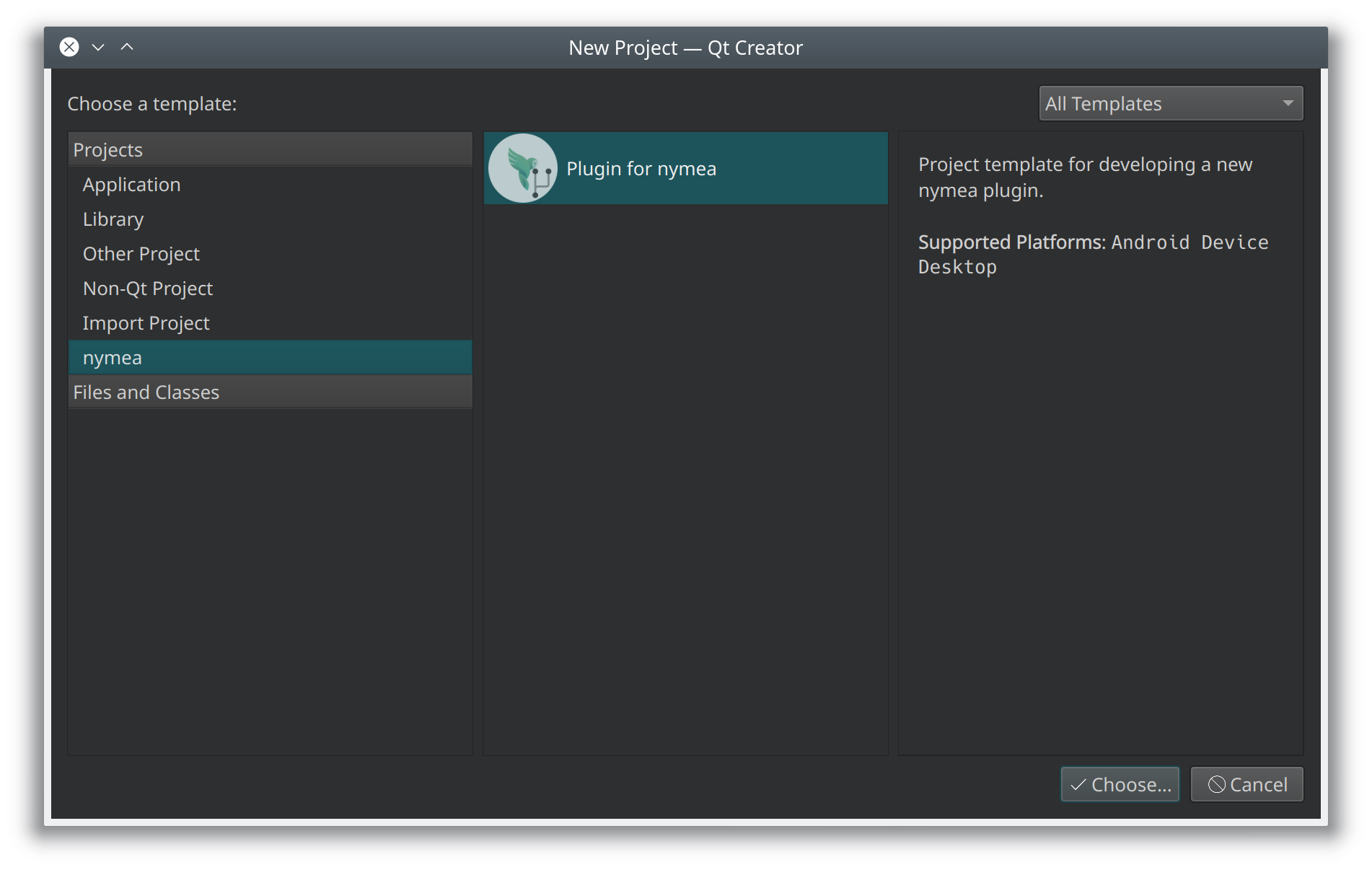
Follow the steps in the wizard. The first step asks for the project location. A plugin integrating
products from a company named “ACME Inc.” might use acme as the project location, which creates
a folder of that name to hold the plugin code.
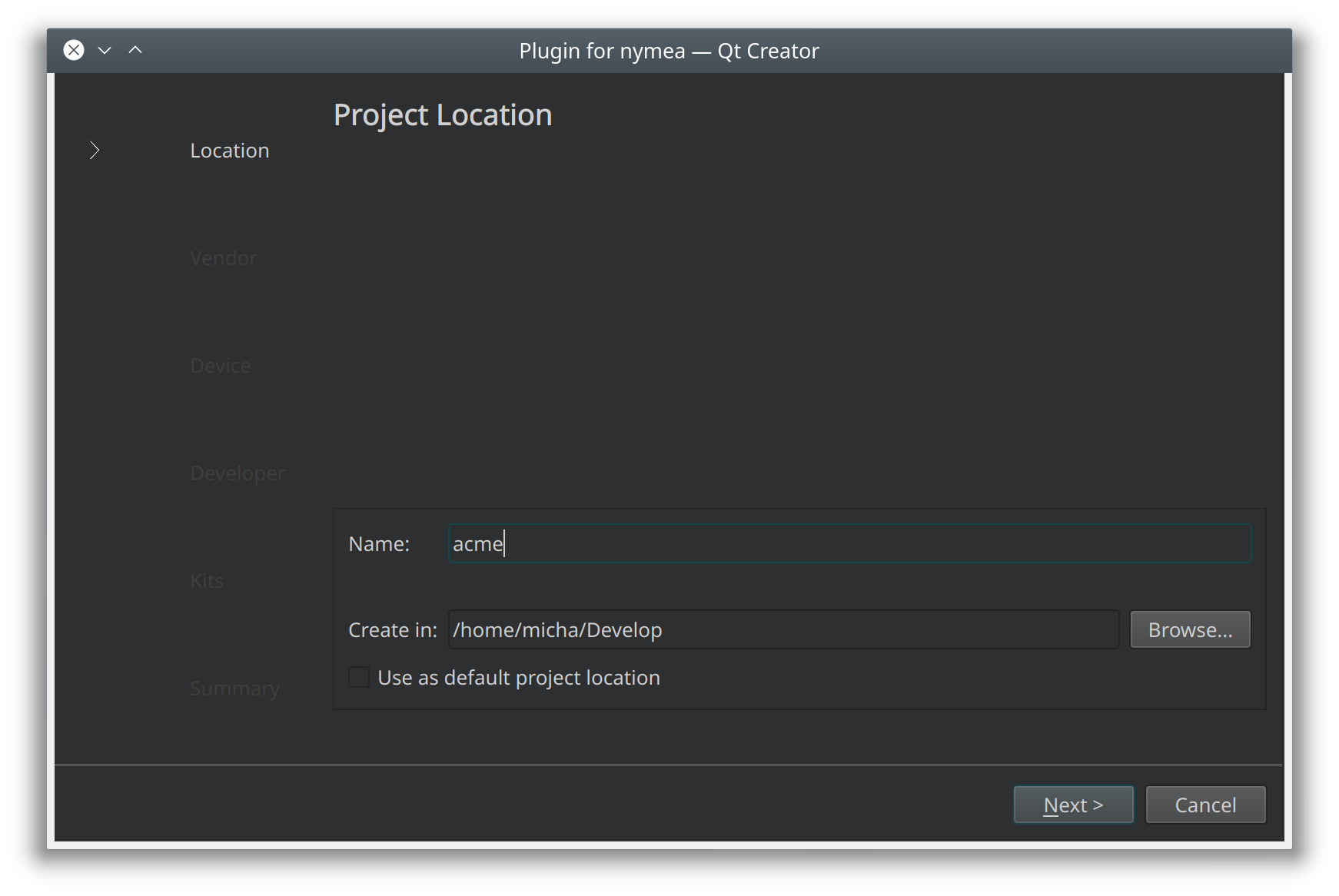
Enter the vendor information: a name (used in code — no spaces or special characters) and a display name (shown to the user, should match the actual company name including punctuation).
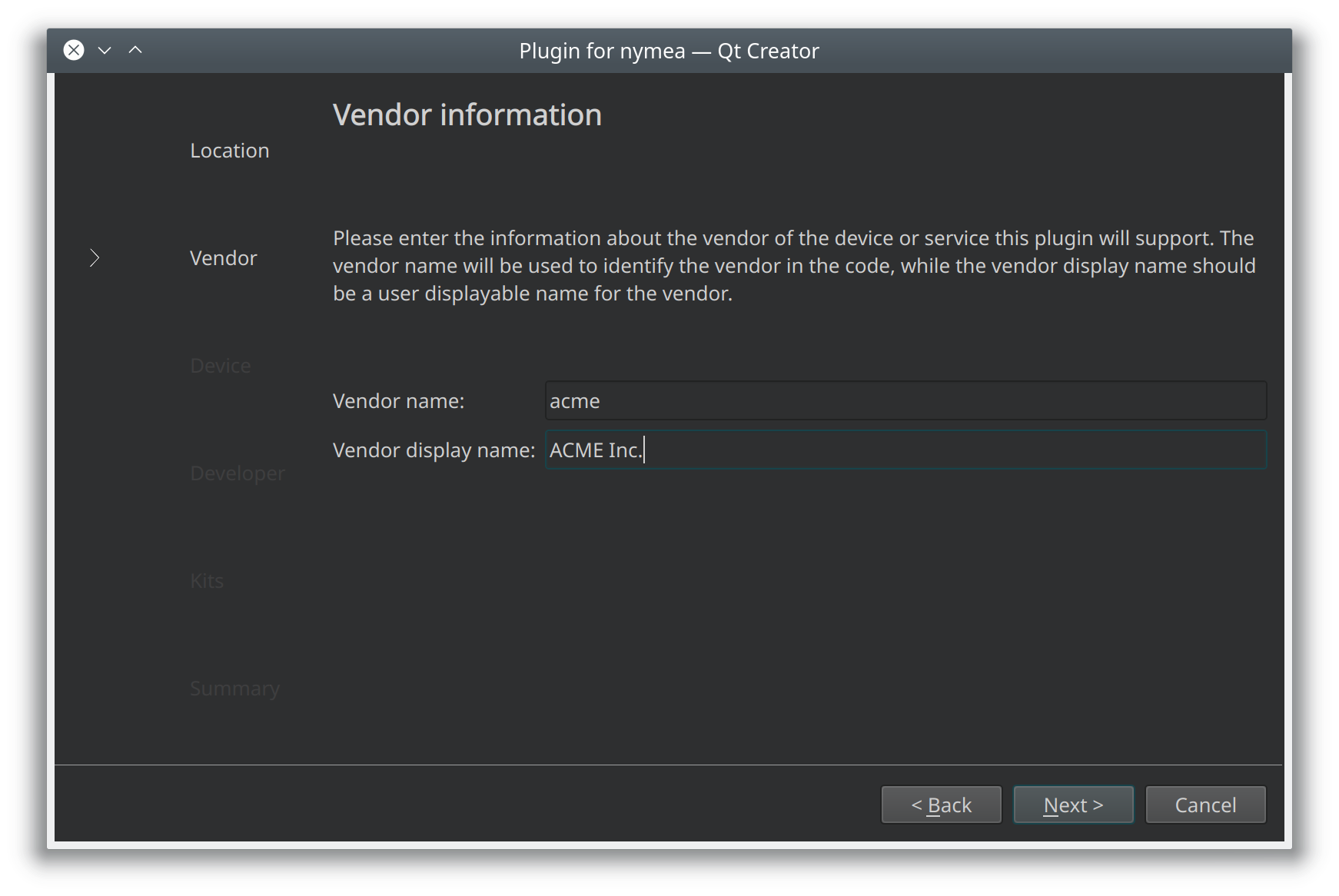
Add the first thing class. The same naming convention applies: name for code, displayName
for the UI.
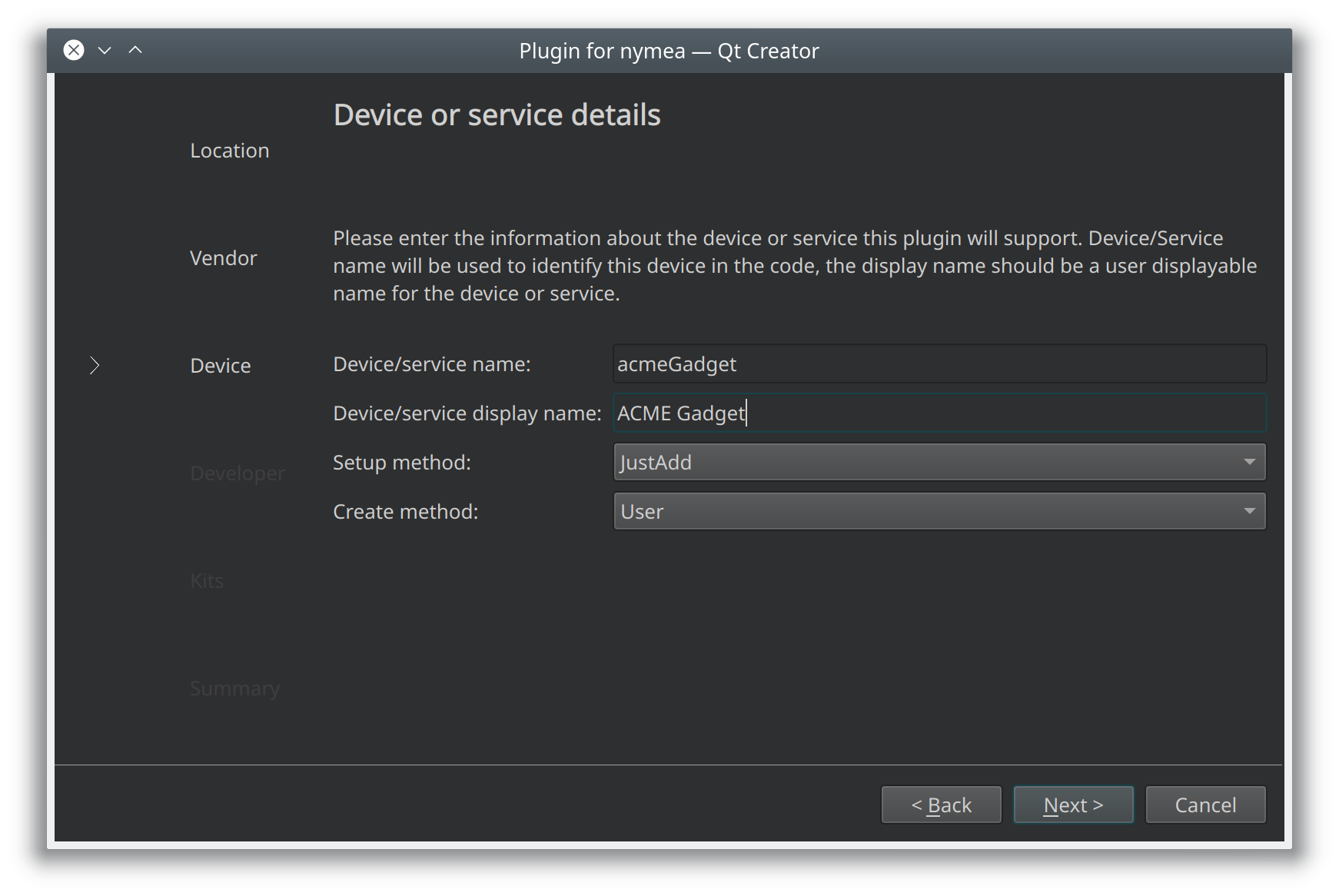
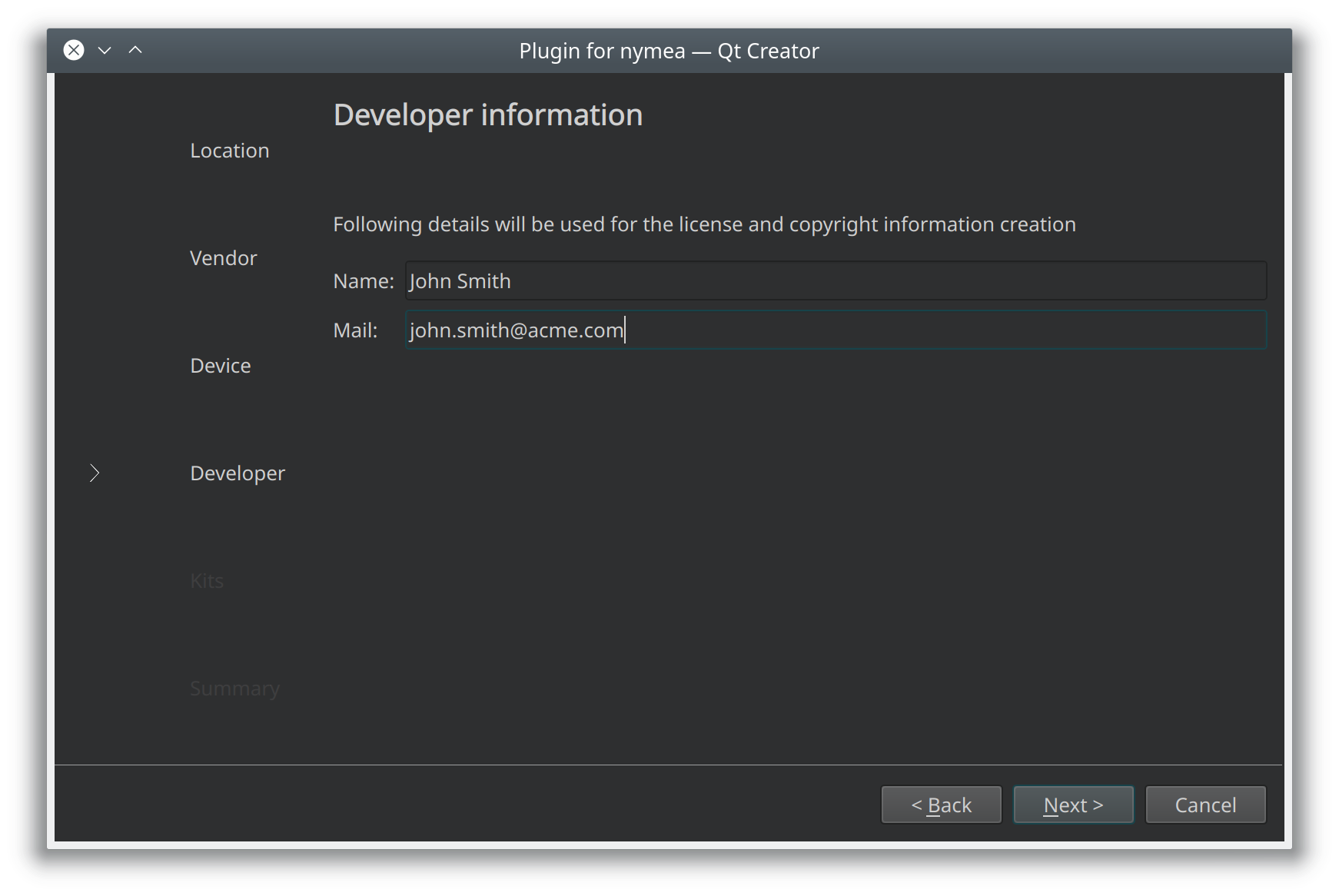
Enter developer contact details for license headers and copyright notices.
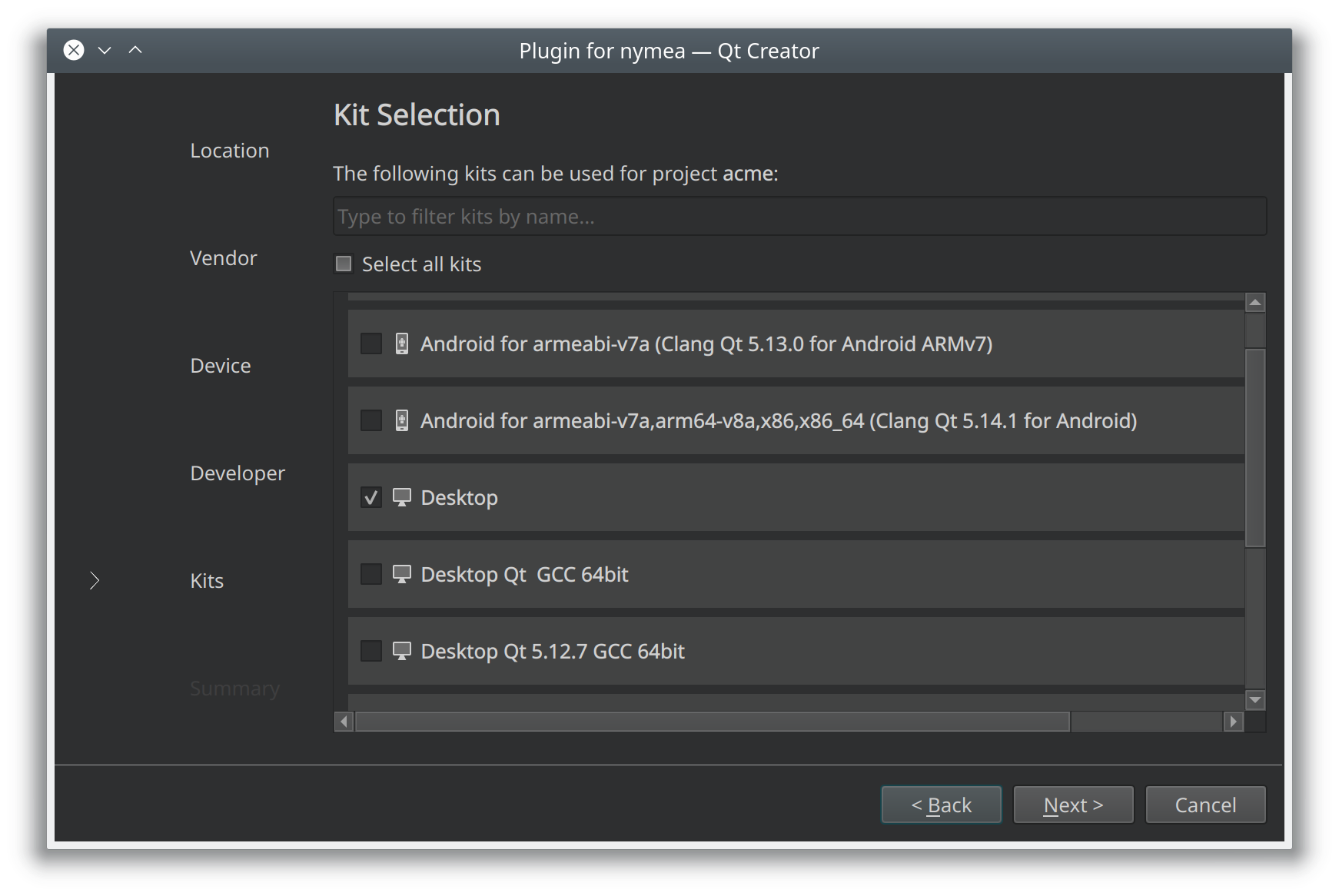
Finally, choose a build configuration. Keeping the default Desktop kit is sufficient for development on a workstation.
Manual project creation#
The quickest way to start without the wizard is to clone the examples repository and copy one of the templates:
git clone https://github.com/nymea/nymea-plugin-examples.git
The repository contains a templates/ directory with subdirectories for each supported language.
Copy the template for your chosen language and rename the files accordingly.
C++/Qt
cp -r nymea-plugin-examples/templates/cpp my-plugin
cd my-plugin
mv template.pro myplugin.pro
mv integrationplugintemplate.cpp integrationpluginmyplugin.cpp
mv integrationplugintemplate.h integrationpluginmyplugin.h
mv integrationplugintemplate.json integrationpluginmyplugin.json
Python
cp -r nymea-plugin-examples/templates/python my-plugin
cd my-plugin
mv integrationplugintemplate.py integrationpluginmyplugin.py
mv integrationplugintemplate.json integrationpluginmyplugin.json
JavaScript
cp -r nymea-plugin-examples/templates/js my-plugin
cd my-plugin
mv integrationplugintemplate.js integrationpluginmyplugin.js
mv integrationplugintemplate.json integrationpluginmyplugin.json
If a .pro file is present, open it and update the file names listed there to match the renamed
files.